How-to Guides
These are the questions server owners ask us most. Most of the answers happen in the ModDog dashboard at app.moddogbot.com, where you log in with your Discord account, and the recordings below walk through each one on a sample server.
- How do I set up ModDog?
- How do I choose where flags get posted?
- How do I give my mods access to the console?
- How do I stop ModDog from watching a channel?
- How do I turn on automatic enforcement?
- How do I turn on raid protection?
- How do I turn on nuke protection?
- How do I check my server's security?
- How do I add my server's rules?
- How do I make a rule flag but not punish?
- How do I make ModDog stricter or more relaxed?
- How do I add trigger words?
- How do I set when someone gets timed out or banned?
- What do the buttons on a flag do?
- How do I undo a punishment?
- How do I teach ModDog to catch something it missed?
- How do members appeal?
- How do I erase someone's data?
- How do I upgrade?
Getting started
How do I set up ModDog?
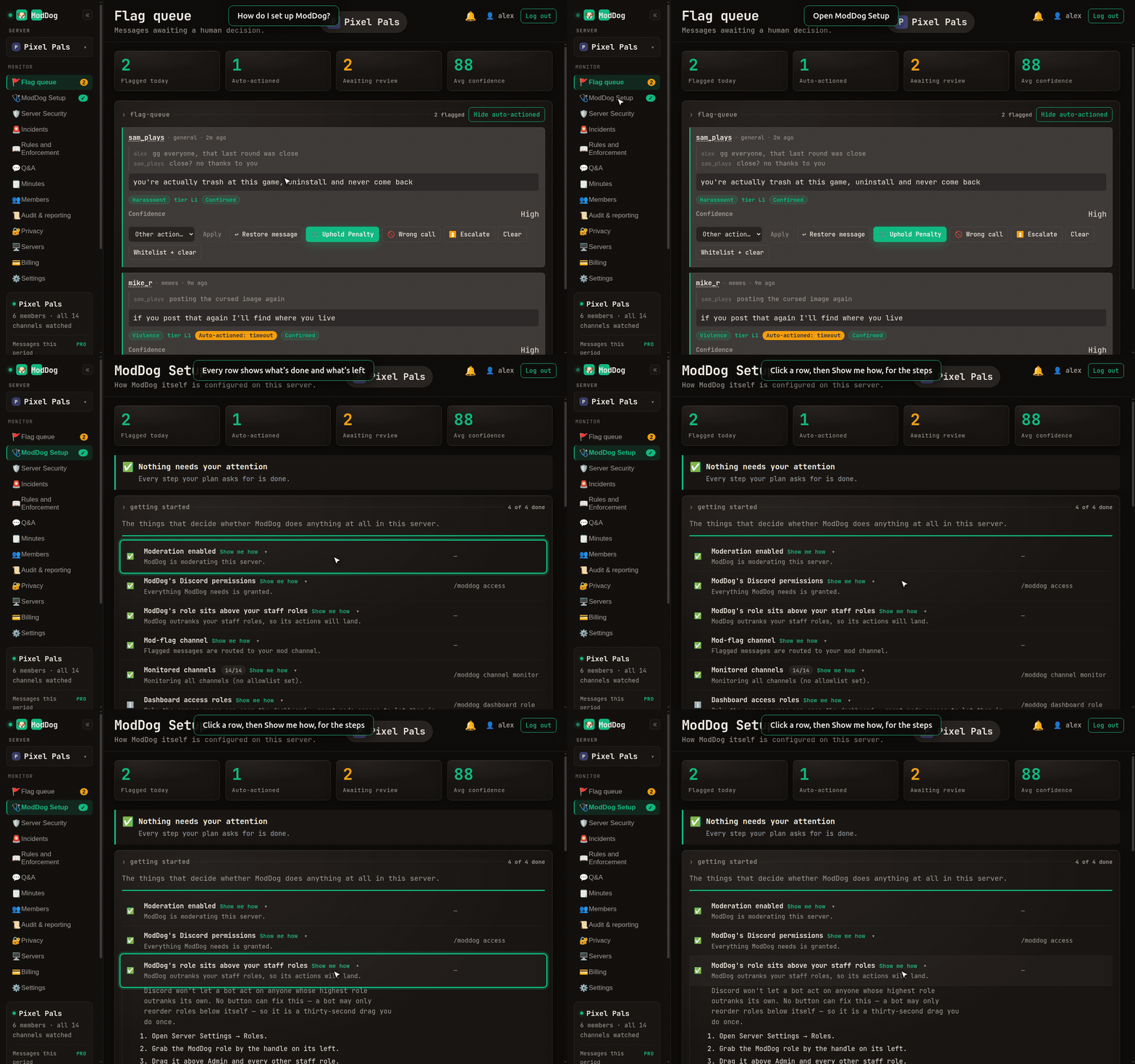
Open the console and go to ModDog Setup. It is a checklist of what is done and what is left, and every row has a Show me how button. You can see the same list in Discord with /moddog start.
How do I choose where flags get posted?
Until you pick a channel, flags show up in the console only. To get them in Discord too, open ModDog Setup › Set the Mod-Flag Channel. Pick a channel, or have ModDog make a private #moddog-flags for you. You can also run /moddog config mod-channel.
How do I give my mods access to the console?
Only the server owner gets in automatically. Open ModDog Setup and pick your mod role under Pick the role that can access the ModDog web console. You can also run /moddog dashboard role with action: add in Discord. Your mods then log in at app.moddogbot.com.
How do I stop ModDog from watching a channel?
Run /moddog channel monitor and untick the channel. To skip a channel for just one rule, open the rule's card and use Where it applies.
How do I turn on automatic enforcement?
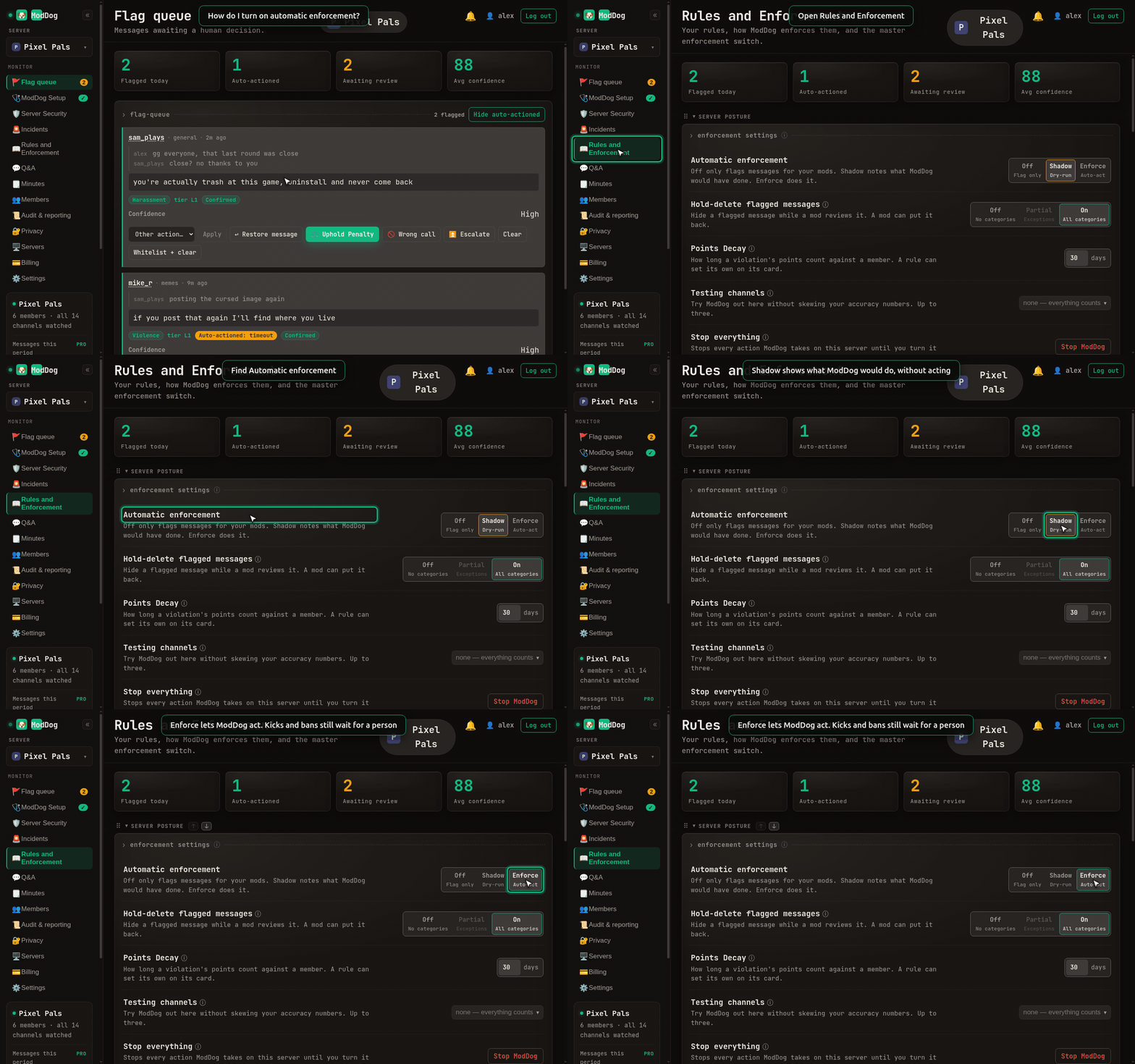
Rules and Enforcement › Enforcement settings › Automatic enforcement. Pick Shadow to see what ModDog would do without it acting, or Enforce to let it act. Kicks and bans always wait for a person.
Protection (Plus and Pro)
How do I turn on raid protection?
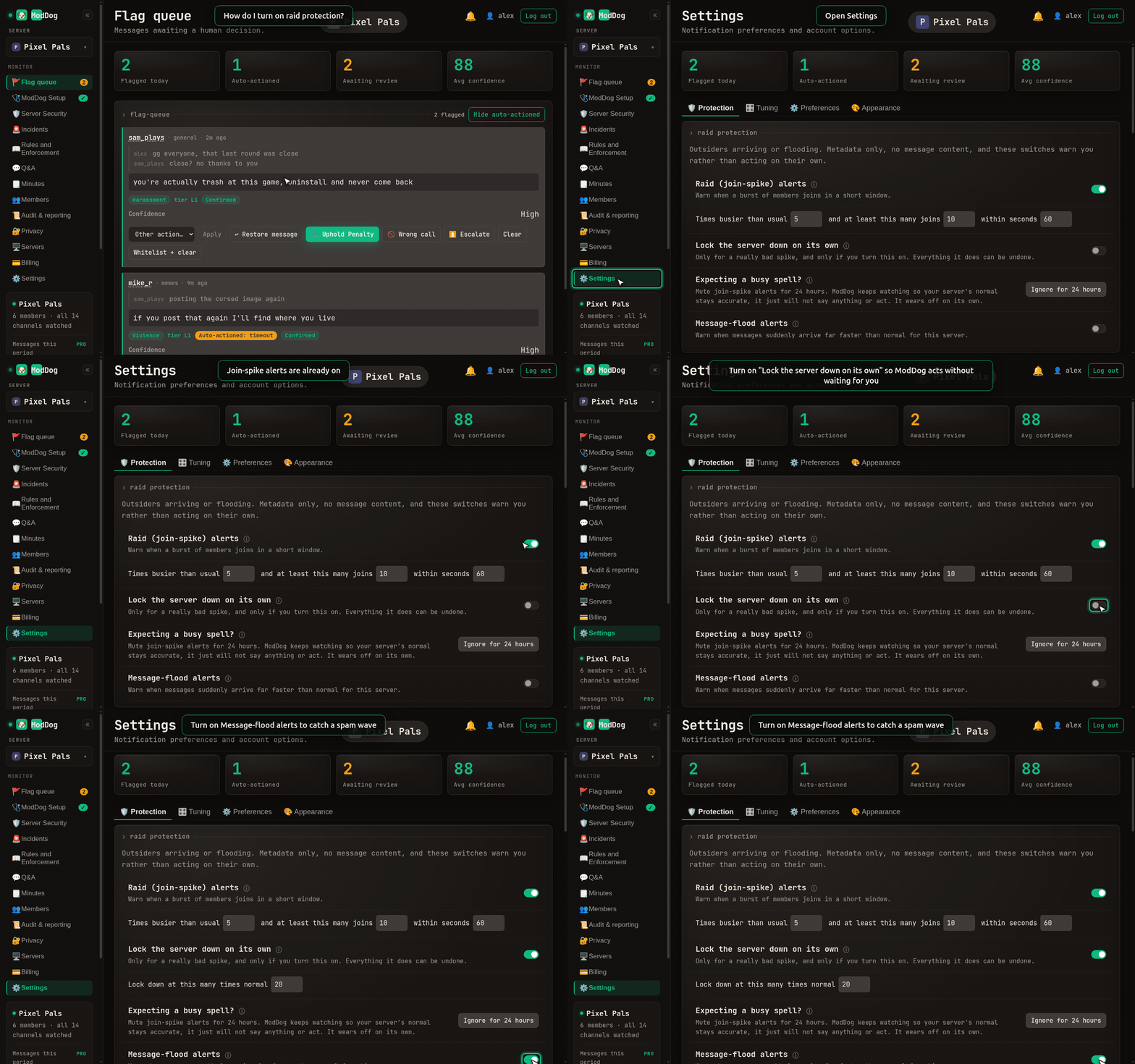
Settings › Protection › Raid protection. Join-spike alerts are on already. Turn on Lock the server down on its own if you want ModDog to act without waiting for you, and Message-flood alerts to catch a spam wave.
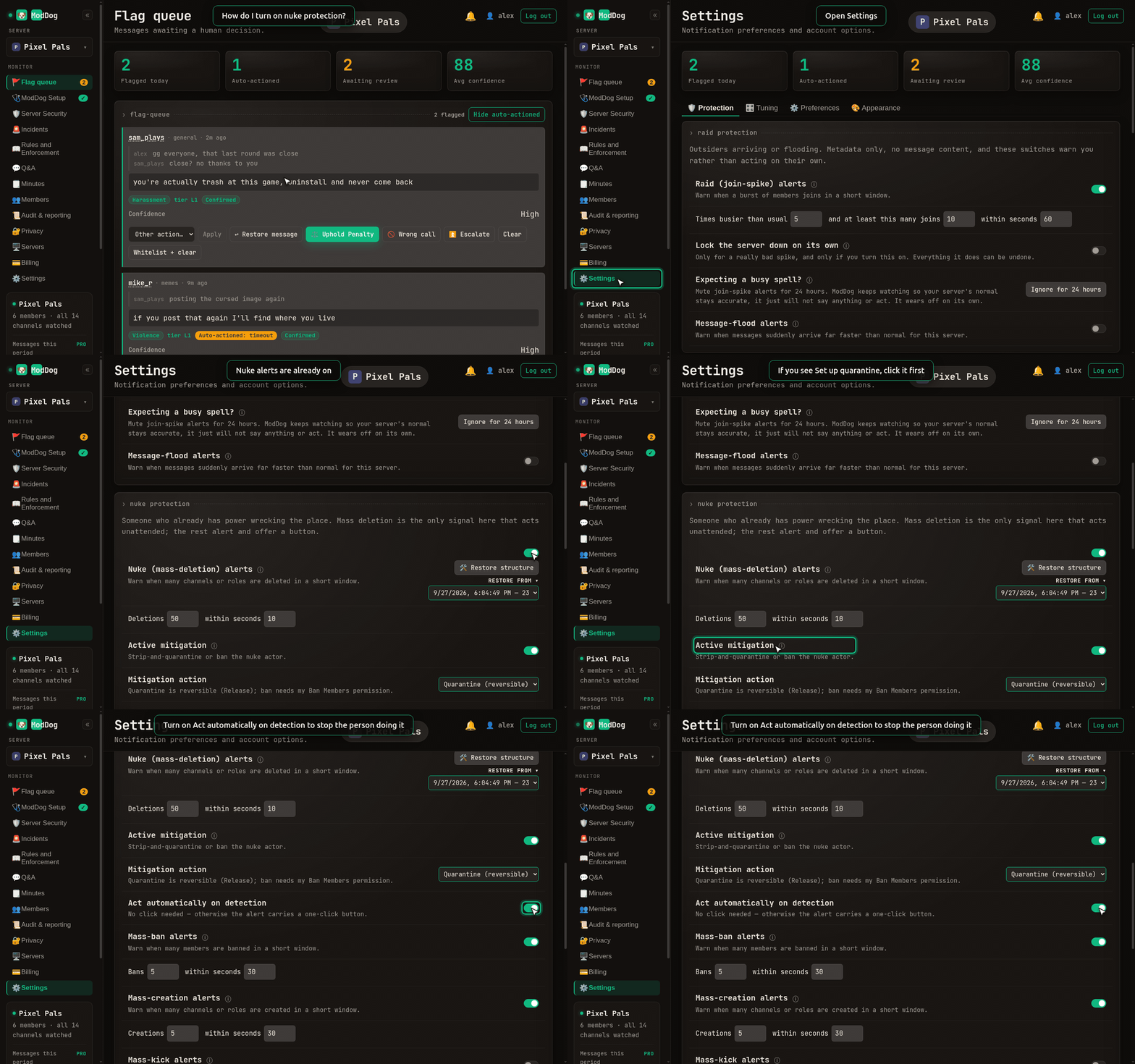
How do I turn on nuke protection?
Settings › Protection › Nuke protection. Alerts for mass deletes, bans and channel creation are on already. To have ModDog stop the person doing it, open Active mitigation, click Set up quarantine, then turn on Act automatically on detection.
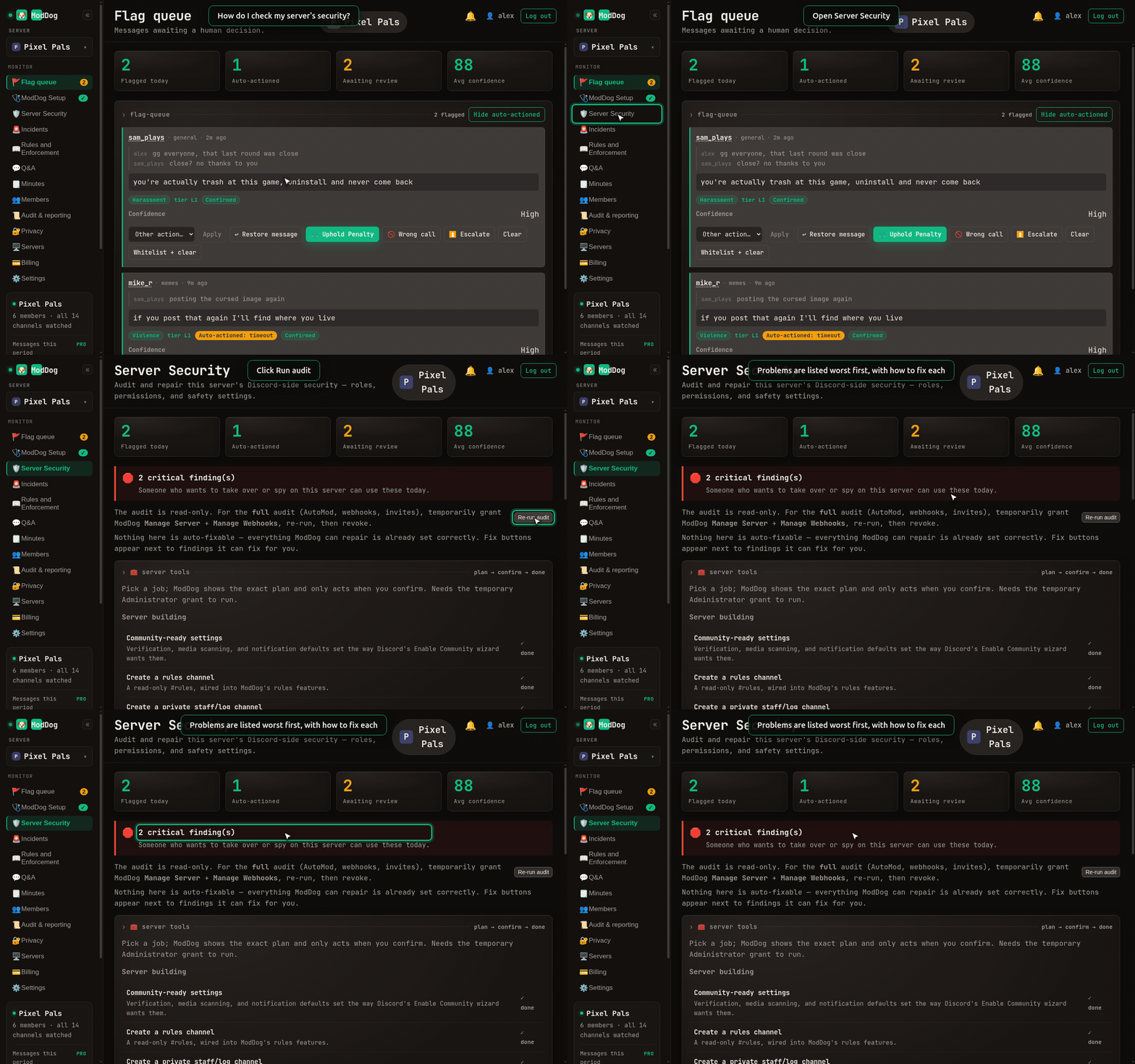
How do I check my server's security?
Server Security › Run audit. It lists risky permissions and webhooks, and Fix everything fixes them for you.
Rules
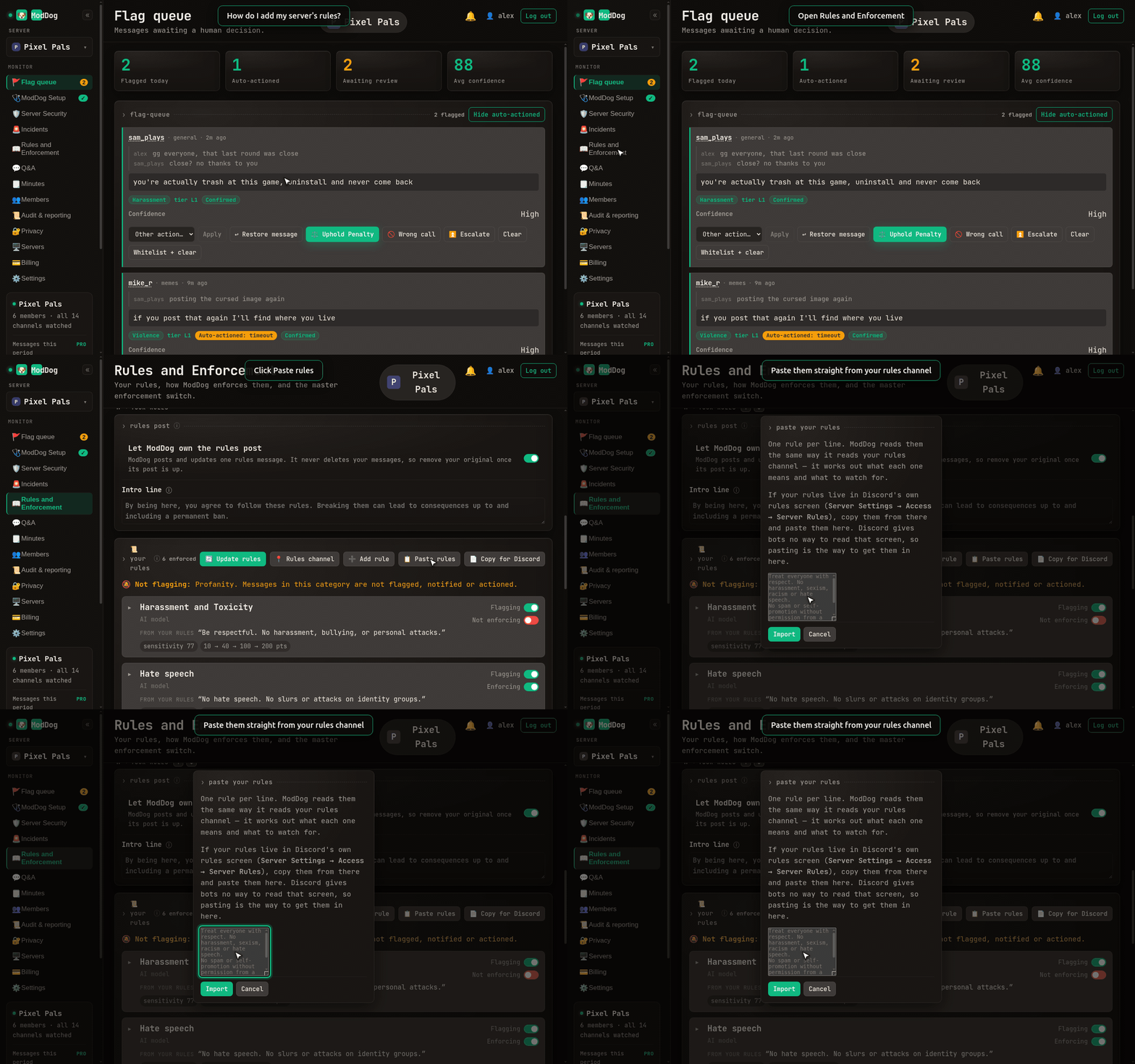
How do I add my server's rules?
Open ModDog Setup › Import or create your #rules channel and rules. Pick your rules channel and ModDog reads it. No rules yet? Click Create Rules For Me. ModDog makes a #rules channel and posts seven starter rules in it. Every rule starts off until you turn it on. Rules somewhere else? Use Rules and Enforcement › Paste rules. This is free on every plan.
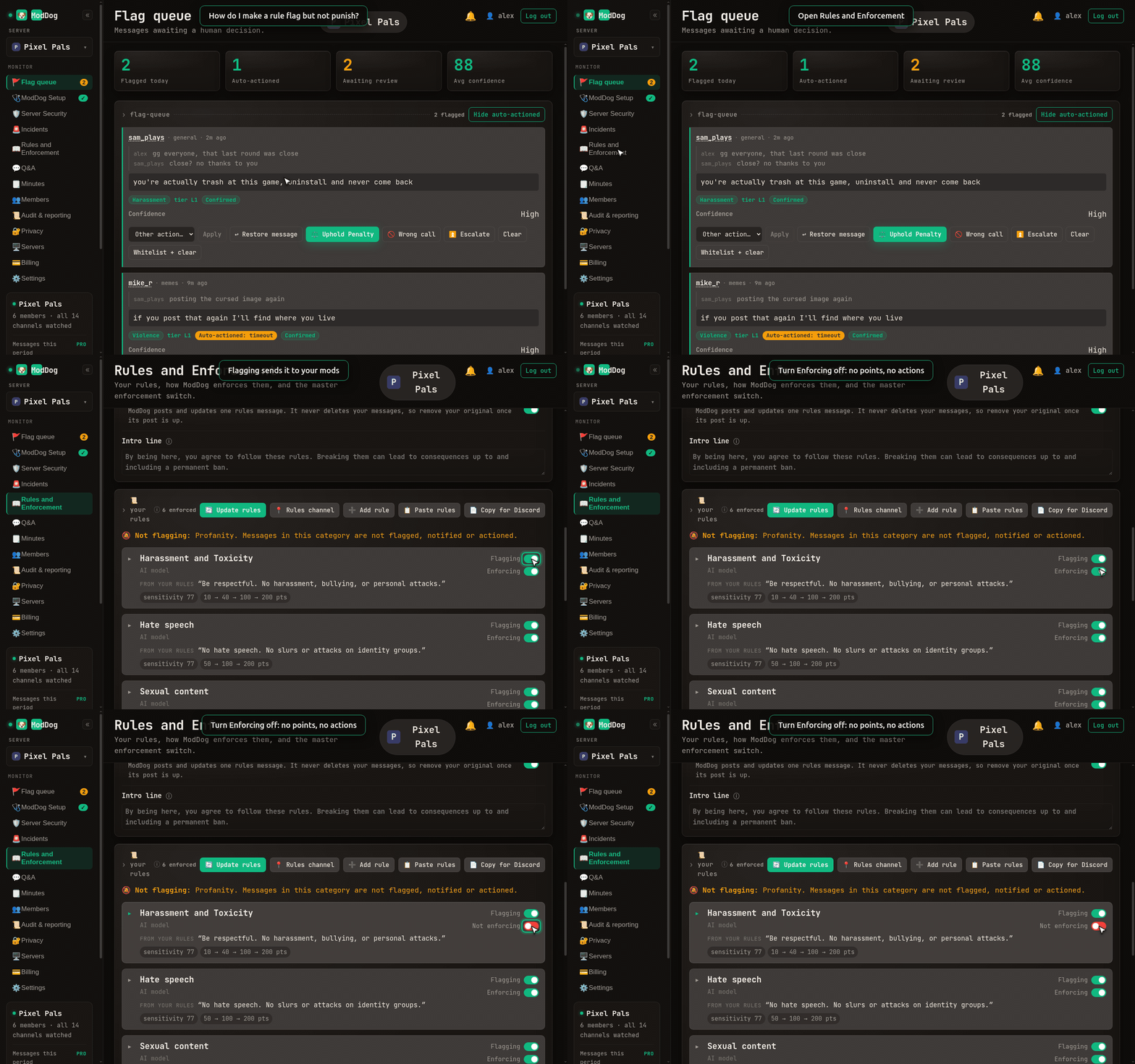
How do I make a rule flag but not punish?
Every rule card has two switches. Flagging sends it to your mods. Enforcing adds points and actions. Turn Enforcing off and leave Flagging on.
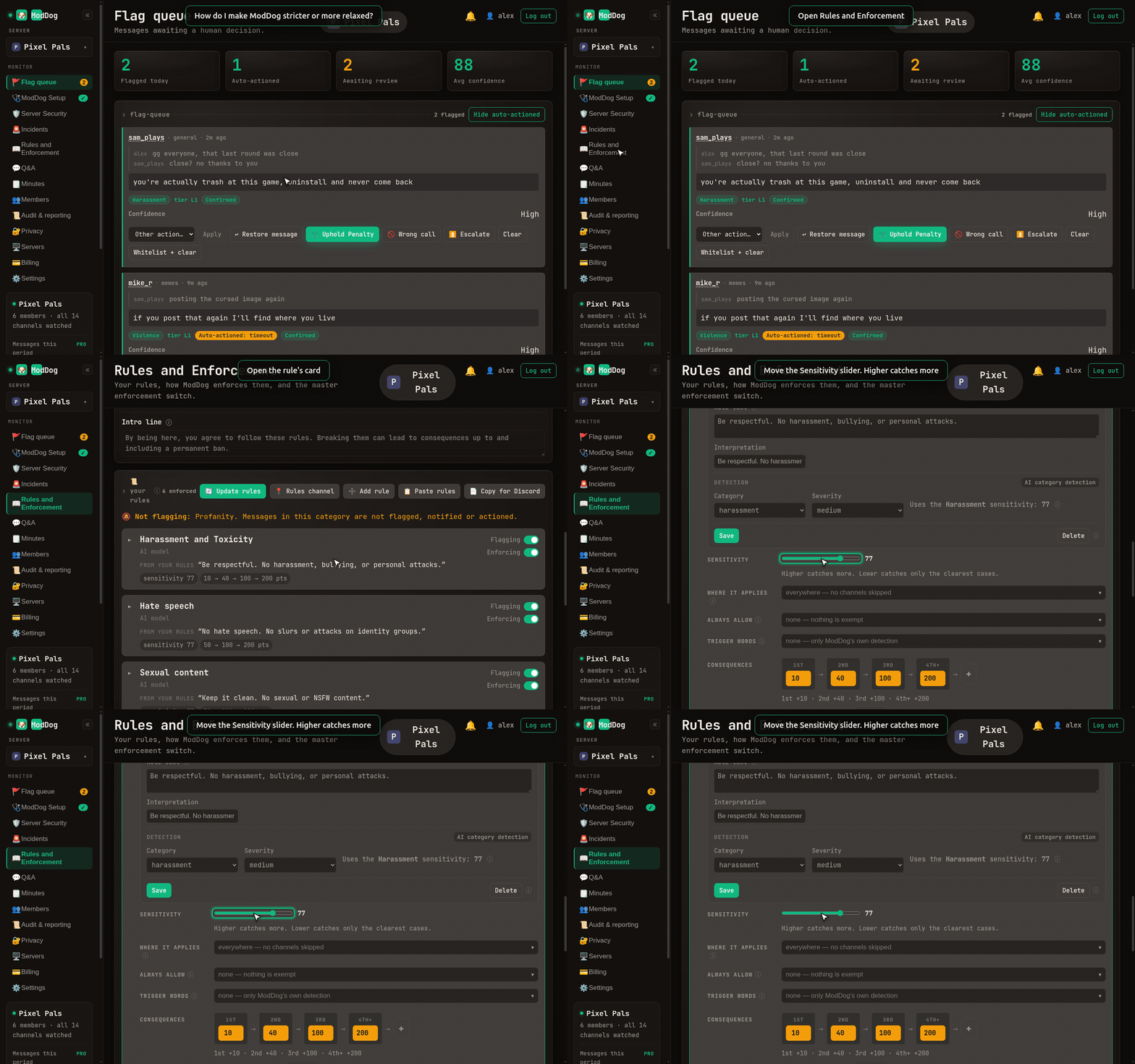
How do I make ModDog stricter or more relaxed?
Open the rule card and move the Sensitivity slider. Higher catches more.
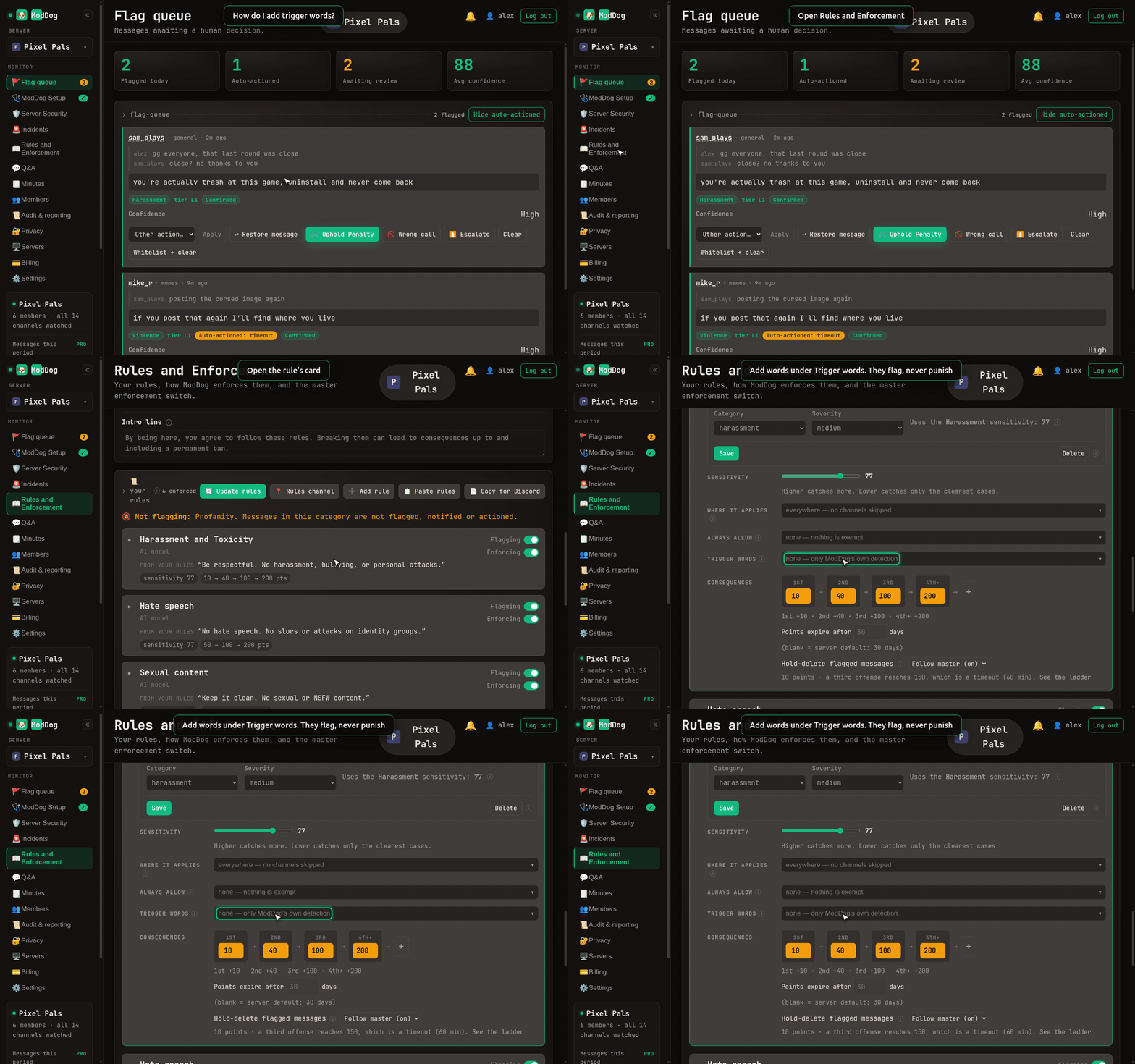
How do I add trigger words?
Open the rule card › Trigger words. A trigger word only flags a message for your mods. It never punishes on its own.
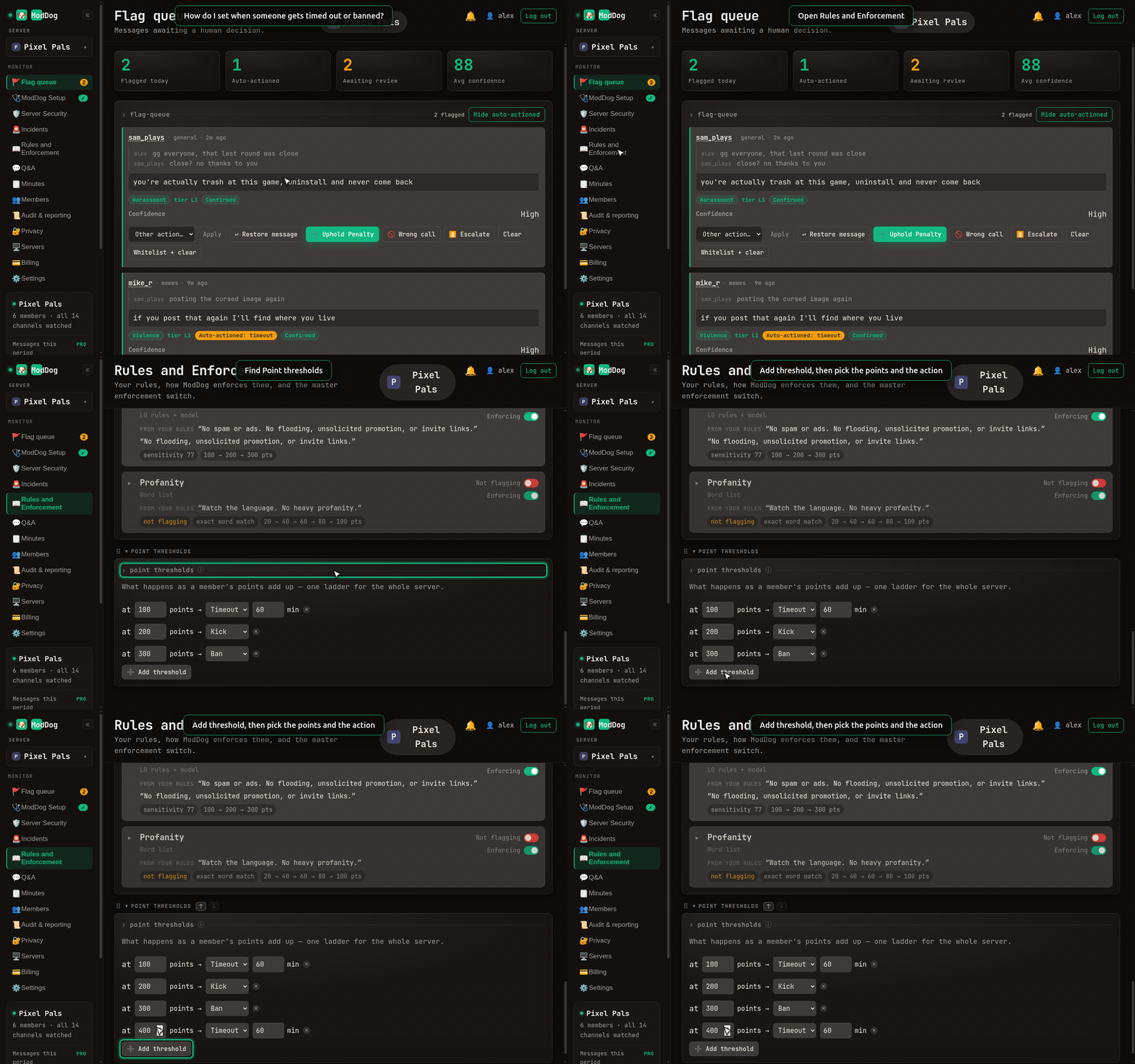
How do I set when someone gets timed out or banned?
Rules and Enforcement › Point thresholds › Add threshold. Pick the points and the action. Points fade after 30 days by default; change it with Points Decay.
Day to day
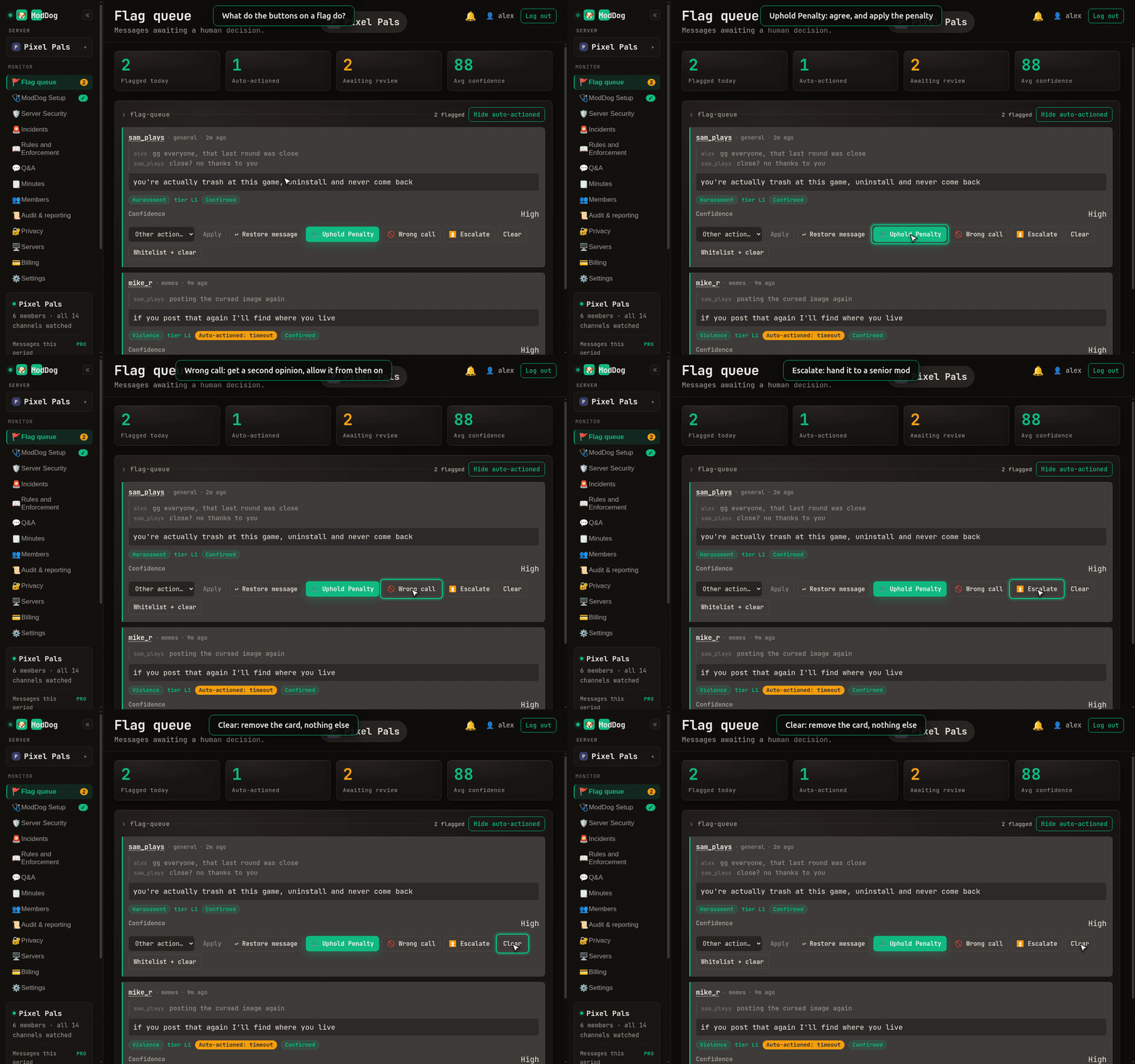
What do the buttons on a flag do?
Uphold Penalty agrees with ModDog and applies the penalty. Not a violation tells ModDog it got this one wrong. It gets a second opinion and shows how to stop flags like it. Escalate hands it to a senior mod. Clear removes the card and does nothing else.
How do I undo a punishment?
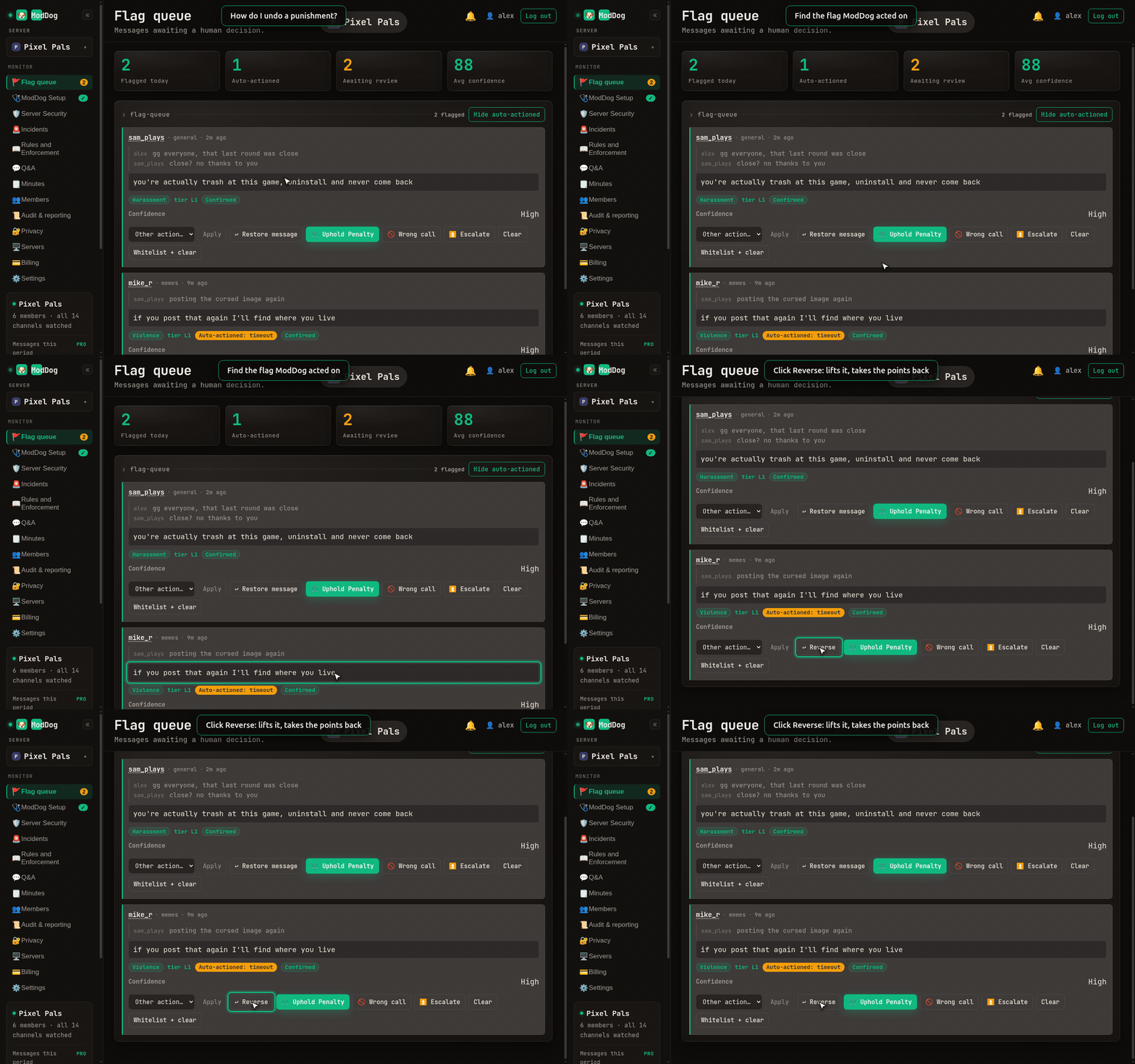
On the flag in the console, click Reverse. It lifts the timeout or ban, takes the points back, and can bring the message back. Kicks can't be undone.
How do I teach ModDog to catch something it missed?
Right-click the message › Apps › ModDog: Flag messages like this, and pick the category. That reports the miss to us, and we fix the ones several servers report in the model itself. To catch it on your server right away, add a Trigger word on that rule's card.
How do members appeal?
A punished member gets a DM with an Appeal button, good for 14 days. The appeal shows up on the flag in your console, where you can grant or deny it.
How do I erase someone's data?
Run /moddog erase and pick the user.
How do I upgrade?
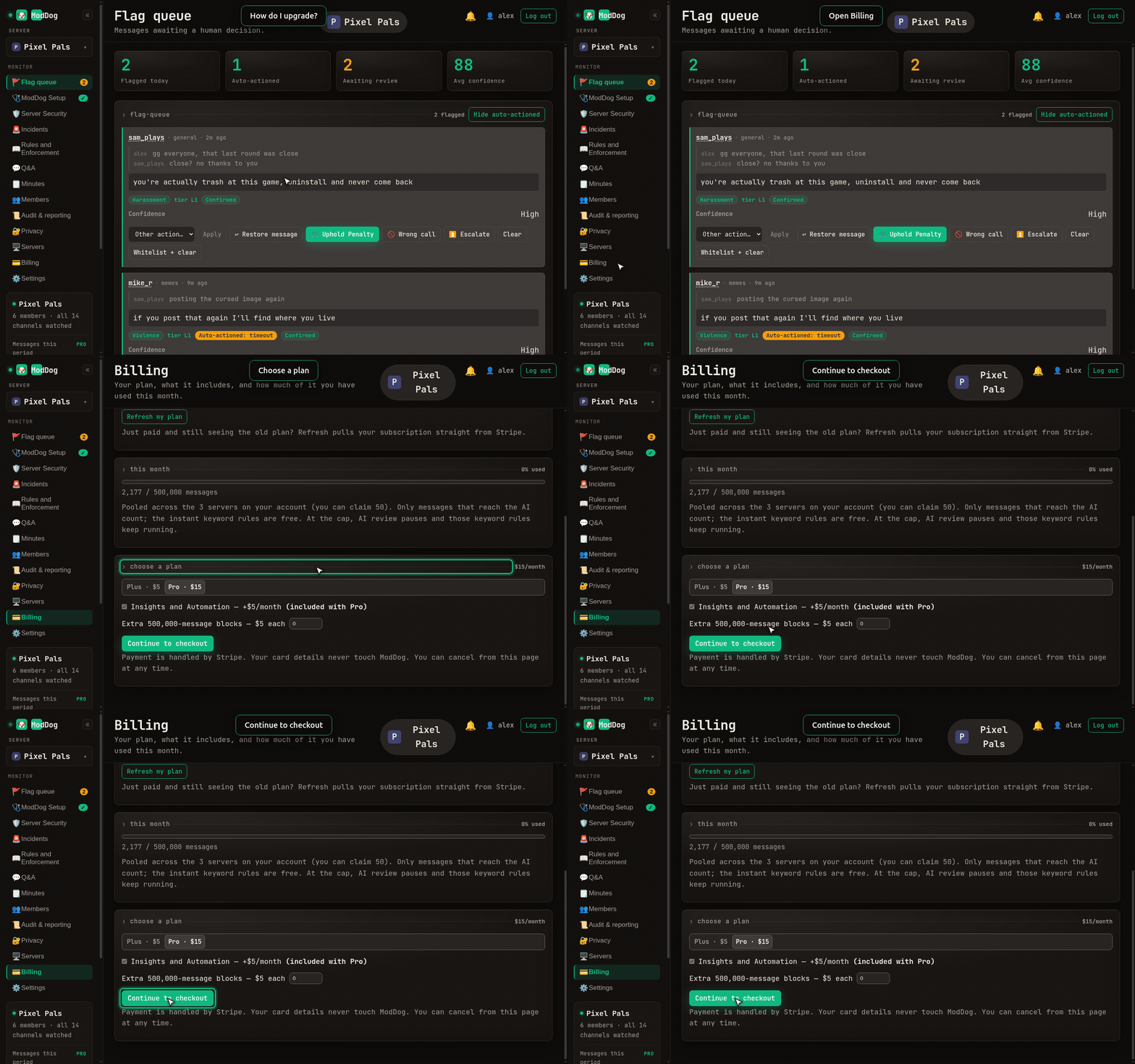
Billing › Choose a plan › Continue to checkout.